Bobcat Miner Outdoor Setup
Many Bobber owners are Outdoor Mining fans. After some tests, I’d like to share some hints for moving your miner outdoor.
There are several factors you need to consider before moving your Hotspot outside.
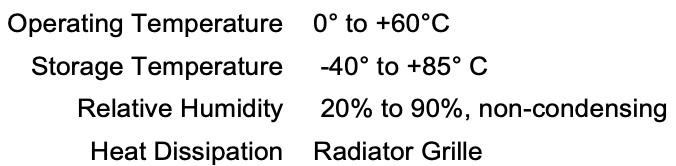
(1) Cold and Heat (0°C to + 60°C)
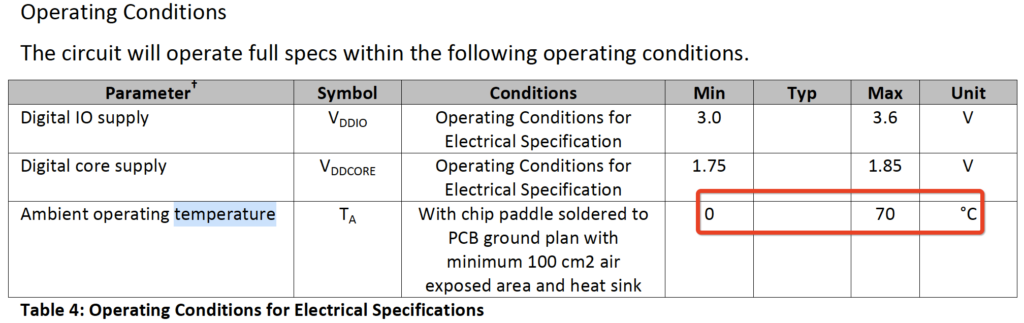
According to the Bobcat Miner datasheet, the operating Temperature is 0°C to + 60°C. This is mainly decided by the operating temperature of the LoRa module it’s using SX1308, CPU and Network Card.
(2) WiFi Speed (slow)
If your Router is indoors, the WiFi might not be good enough for your Hotspot to get good performance.
(3) Power (110V – 240V is dangerous)
Since it’s outdoors, it will be dangerous to use the 110V – 240V power directly outside.
(4) Rain & Snow
Water, Snow and Humidity need to be considered.
Ideas to solve these issues:
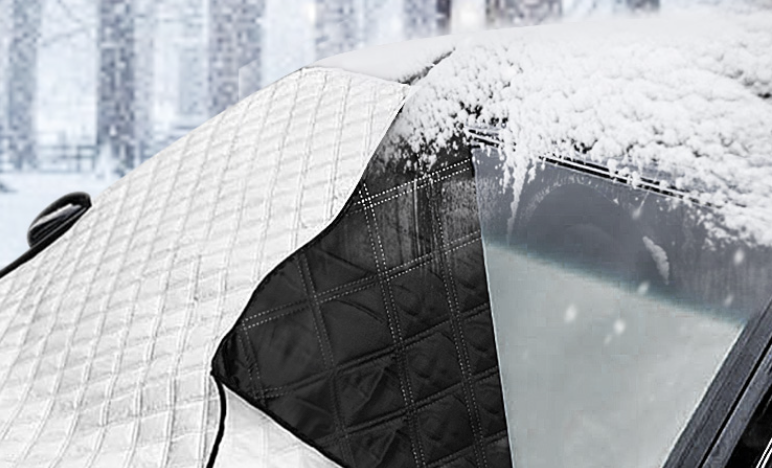
(2). Cover to protect from Cold
(3). LAN Cable to improve Network speed
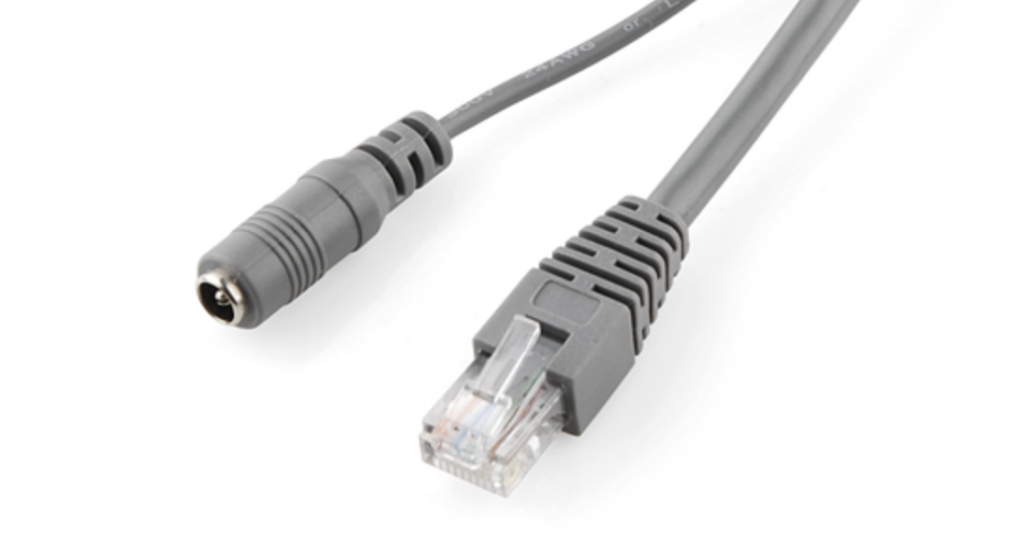
Use a POE or LAN Cable. If you have already owned LAN Cables, don’t waste them, you only need to buy the Power Cable. It’s even better than using a combination cable.
(4). 12V / 5V Power outdoor
Use POE or Power Cable. If you have already owned Power Cables, don’t waste them, you only need to buy the LAN Cable. It’s even better than using a combination cable.
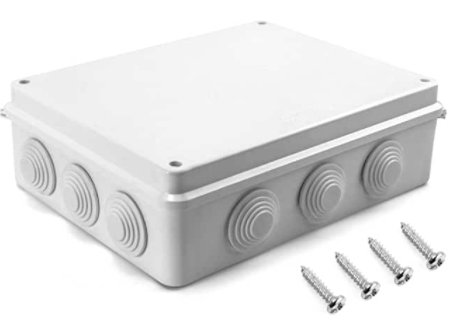
(5). Water Proof Box / Shelter to protect Miner
Under Sun 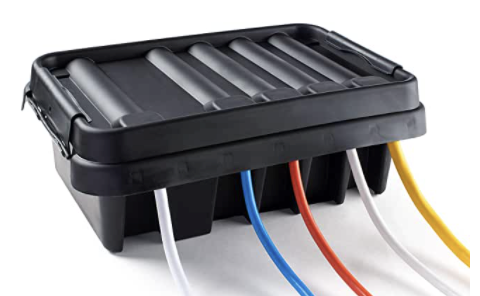
In Shade
My DIY Sample
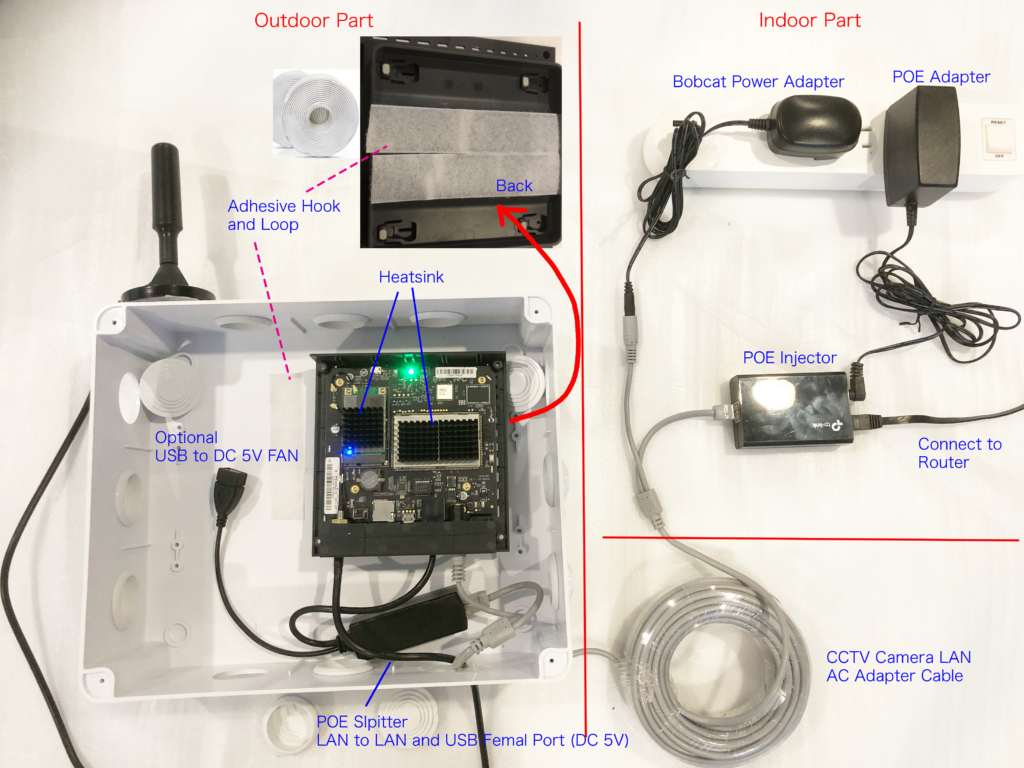
The total cost is about $100. It’s expensive but it worked in the test. If you have other good ideas, please let me know, I can try it.
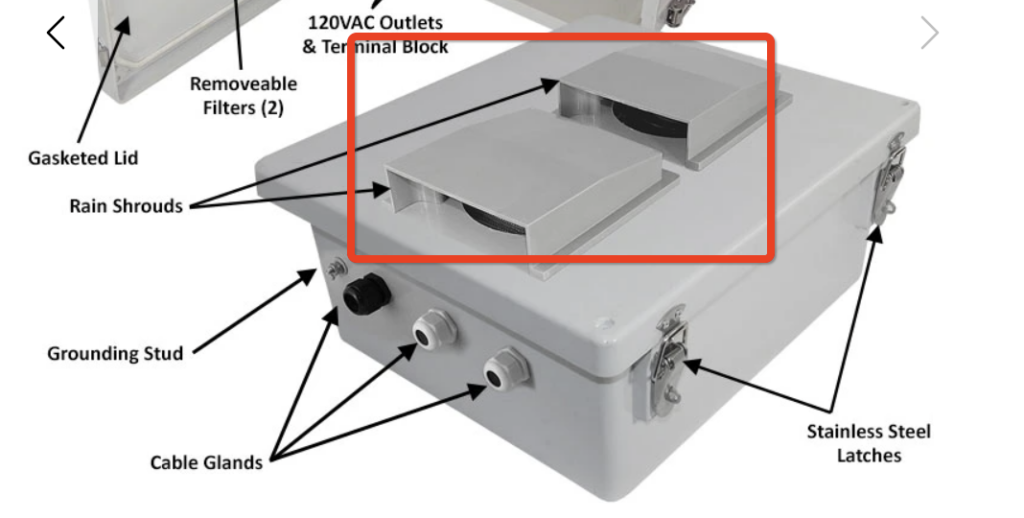
You can stick a DIY cover for the two holes on left top and right top of the box to protect if from rain. For example (I haven’t tried it):

The idea is similar as the box below. I’m not using the box below because it’s too expensive (several hundred dollars).
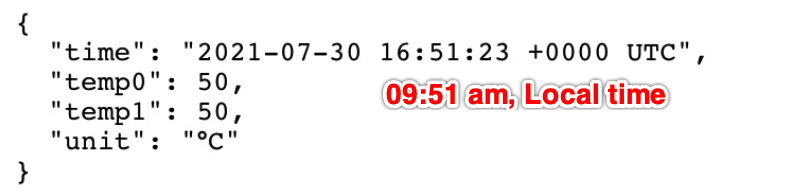
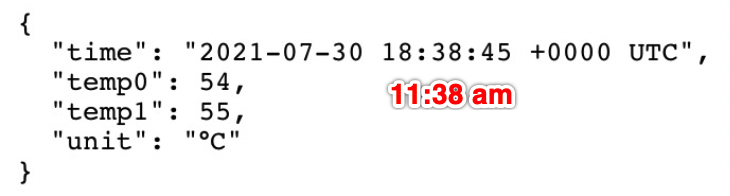
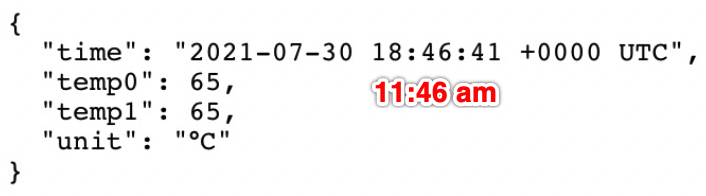
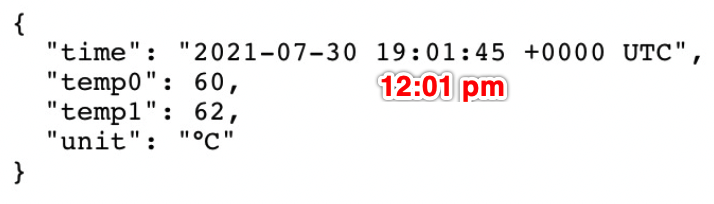
Test without a Fan
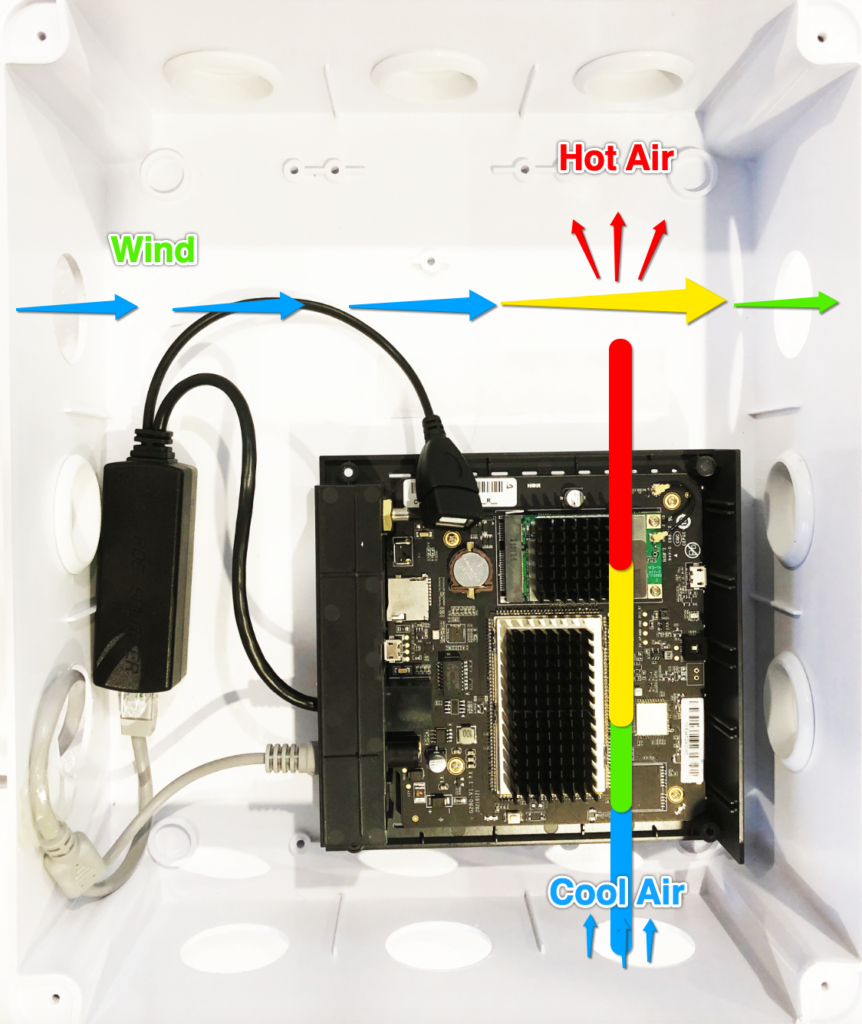
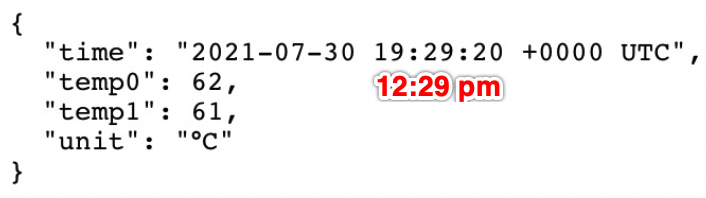
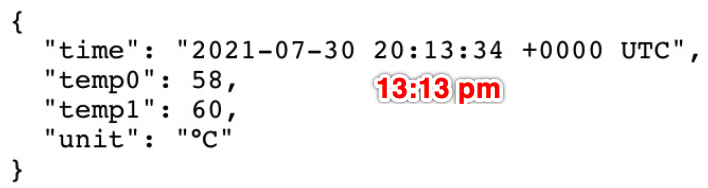
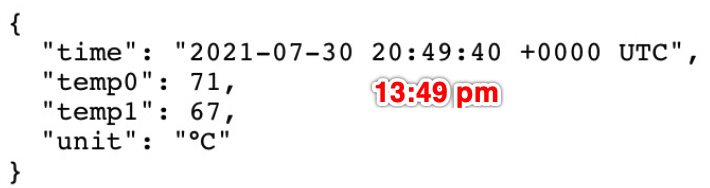
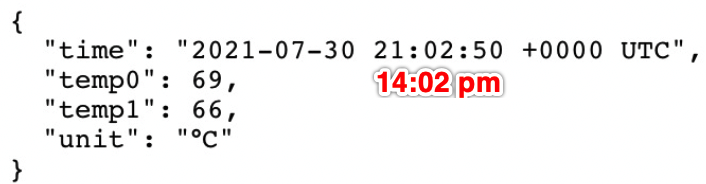
When using Air Circulation & Heatsink, the CPU temperature was below 70 °C (it seems like it still works) at noon in Summer of Southern California. According to the test result, you’d better add a Fan if you live in a hot place. The CPU and LoRa chip will be the source of heat in Winter, but if your place is very code, you need to stop the fan, reinstall the lid and then cover the outside of your enclosure to keep it warm.
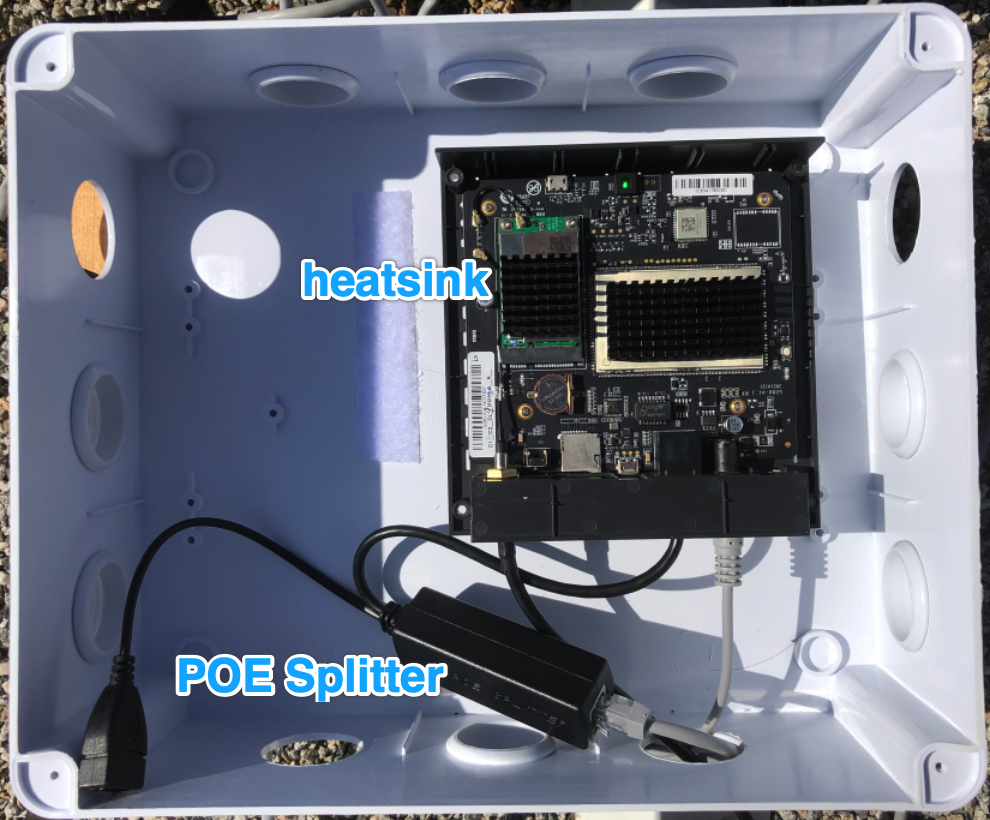
Inside 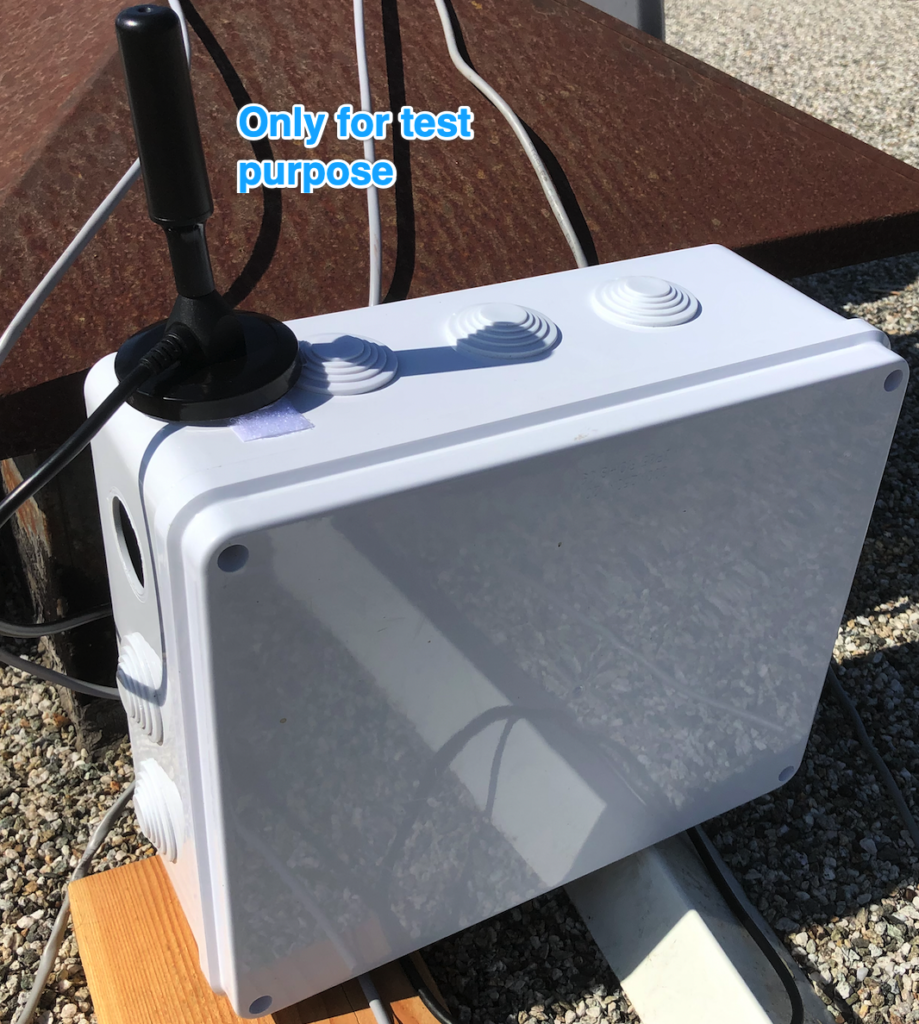
Outside
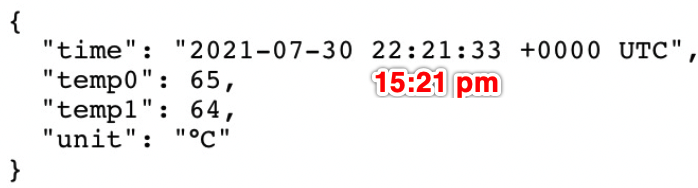
Test with a Fan (Summer Only)
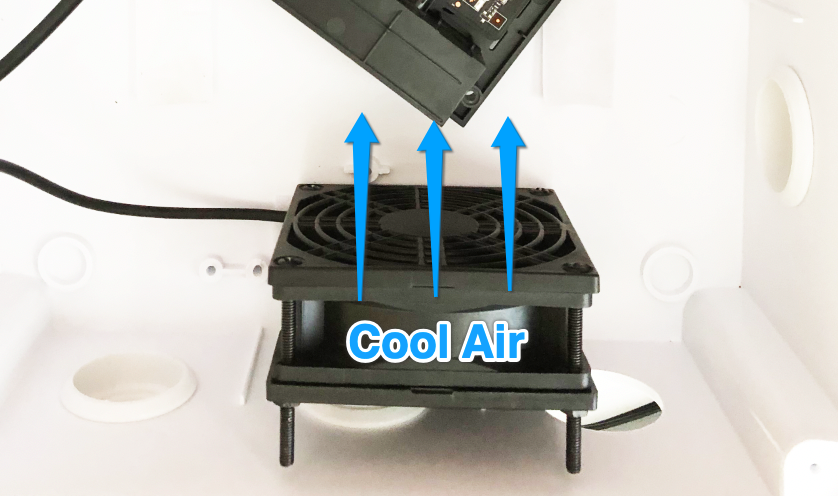
Then I started to add the fan.
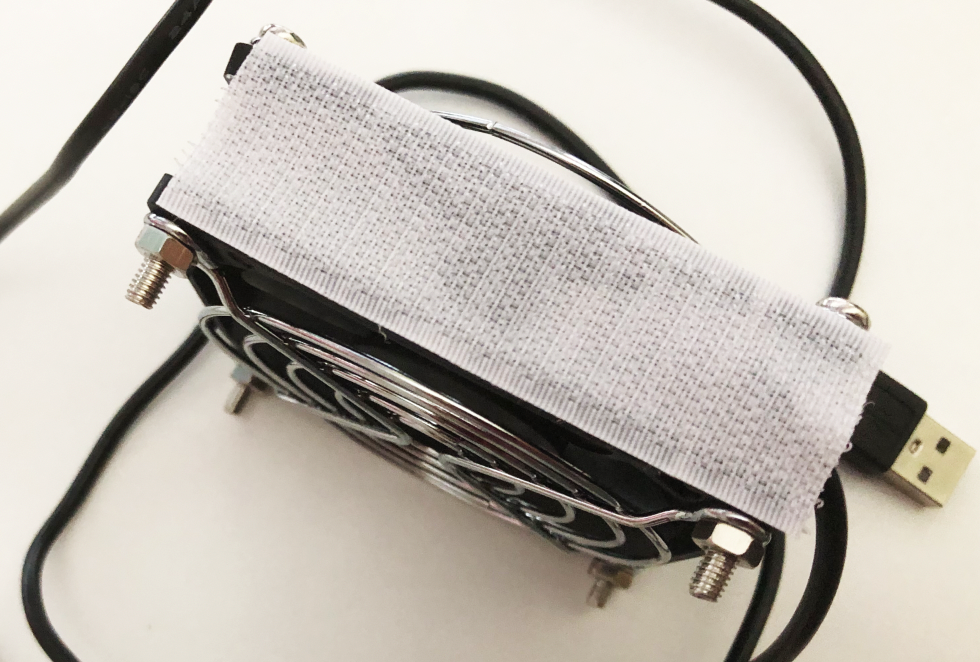
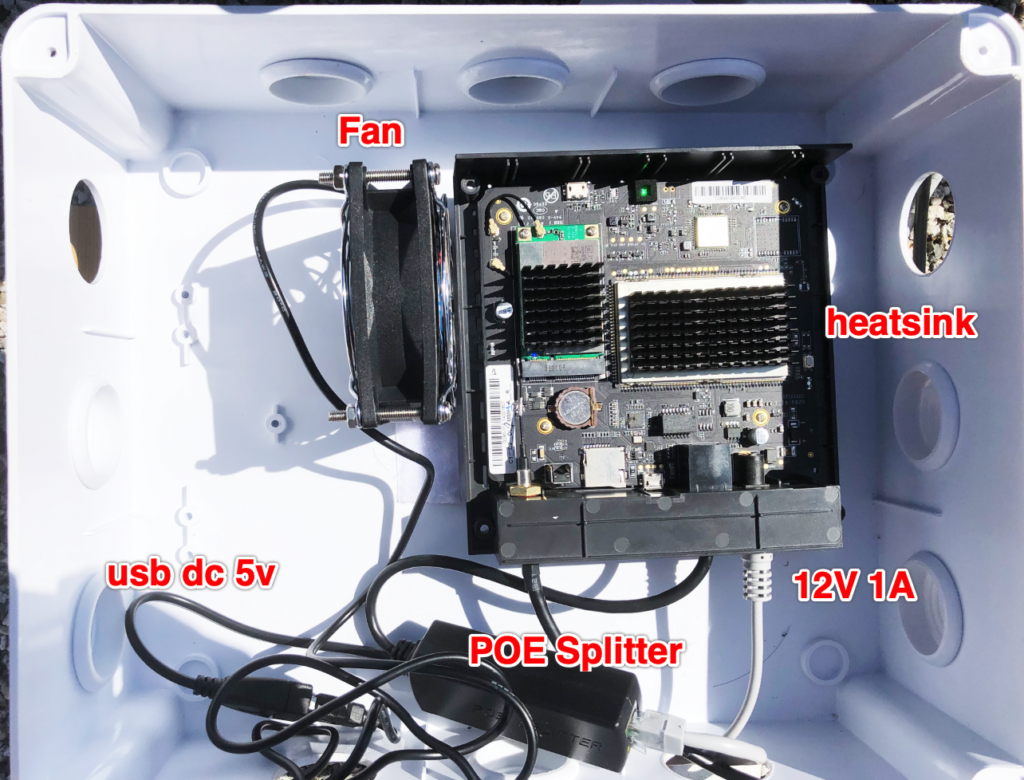
After Fan added, the temperature never went up to 60°C
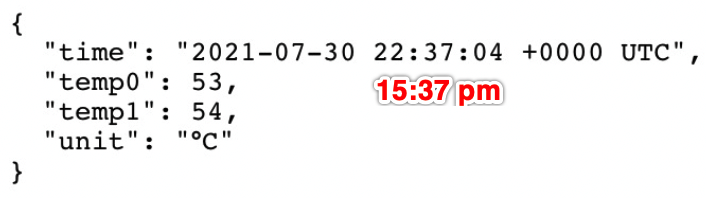
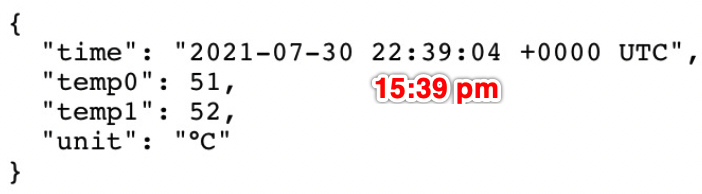
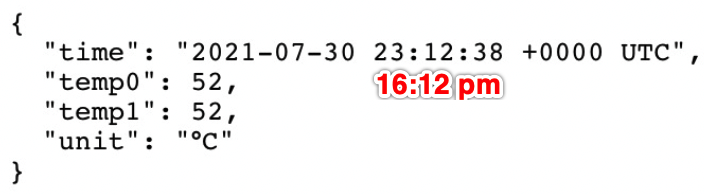
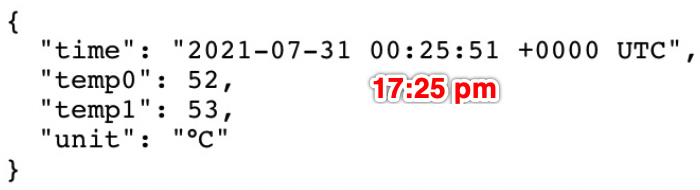
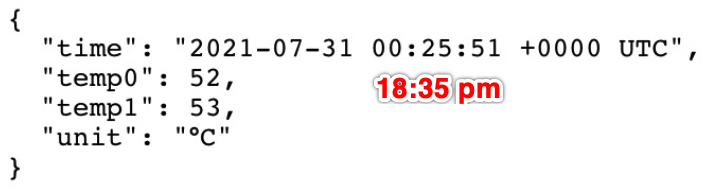
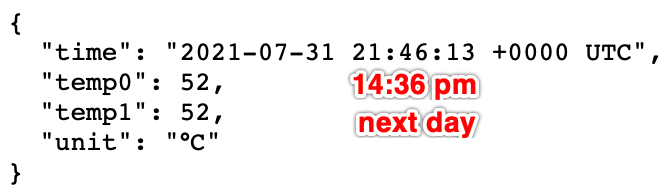
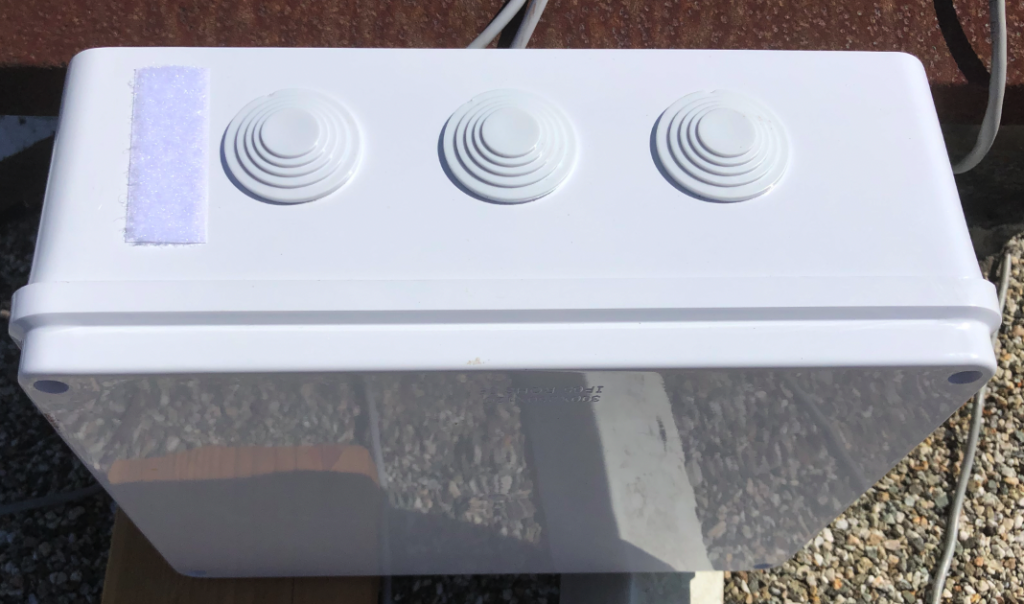
So a fan is recommended if you live in a very hot place. Don’t use a black box outside, use a white one. Since the Fan is on the left side of the Miner, I think it should work well even you don’t open the hotspot and use heatsink in this case.
My DIY recepies
To be continued.