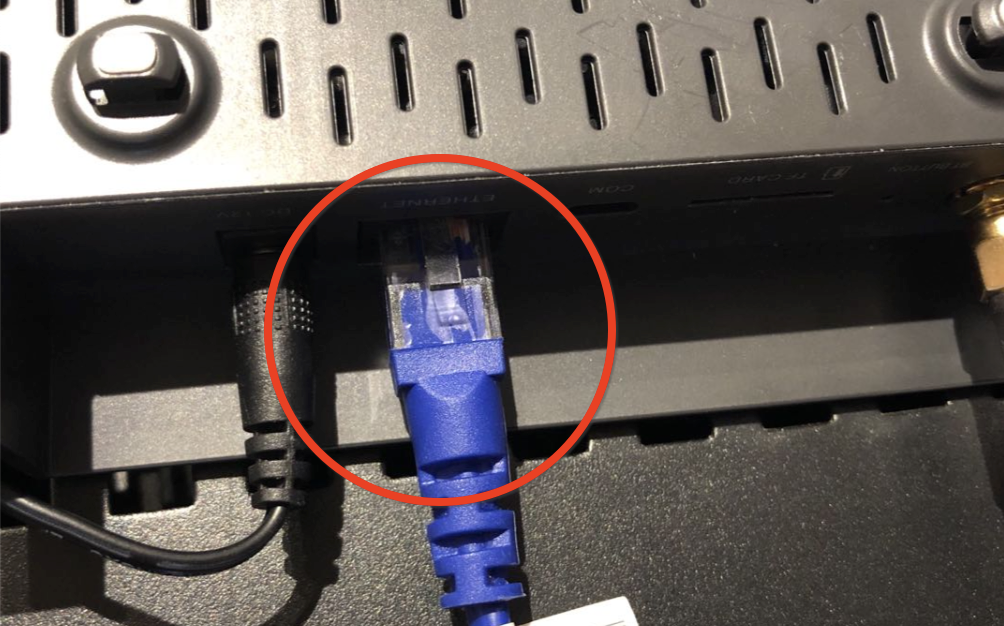
If the light switching between GREEN and YELLOW, maybe you have a bad WiFi connection to the Bobcat. Switching to Ethernet Cable may help you speed up the syncing process. You don’t need Antenna or WiFi when syncing it before beaconing. If you are sure your WiFi SPEED is blazing fast, it’s OK to use it.
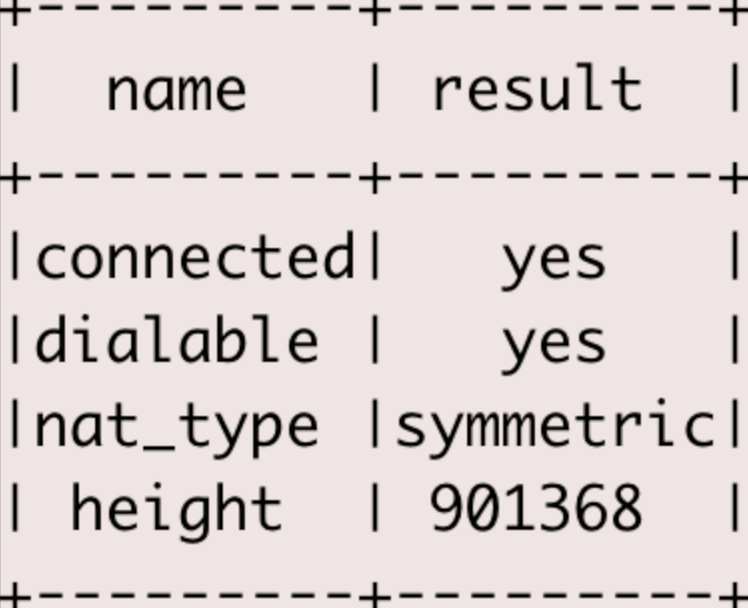
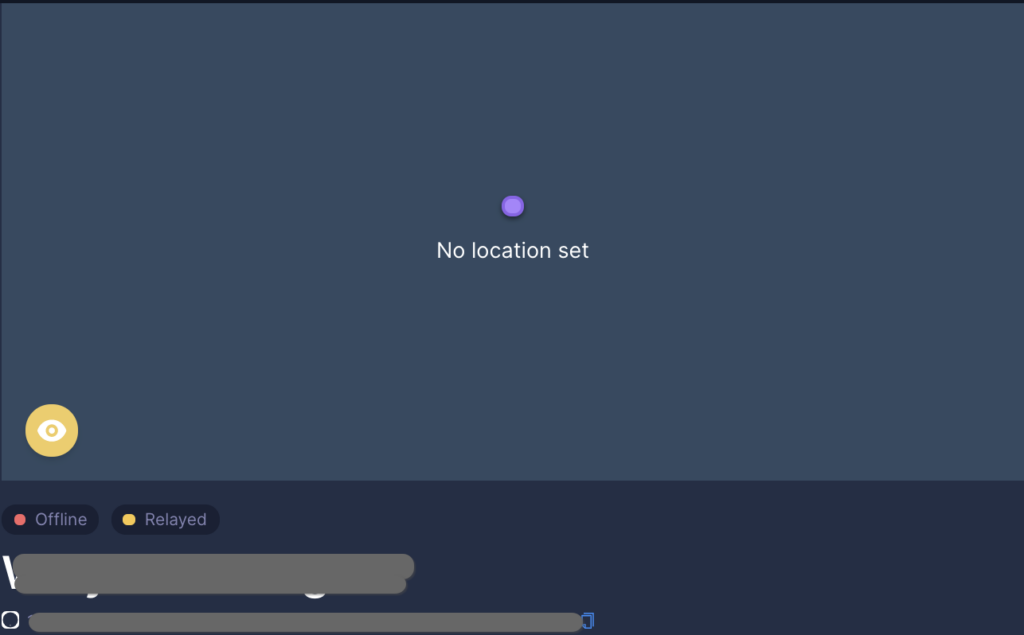
Since the Web Page is showing offline, you can’t confirm your Relay status on the web page. Relay can also slow down the syncing process. Most of the relay is caused by symmetric nat_type, so open port 44158 to remove the relay status.
I also noticed some new Bobcats without location assertion will show Offline even it’s syncing / synced. Maybe it’s an issue of the blockchain but location assertion can help changing the status (or maybe it will be fixed someday).
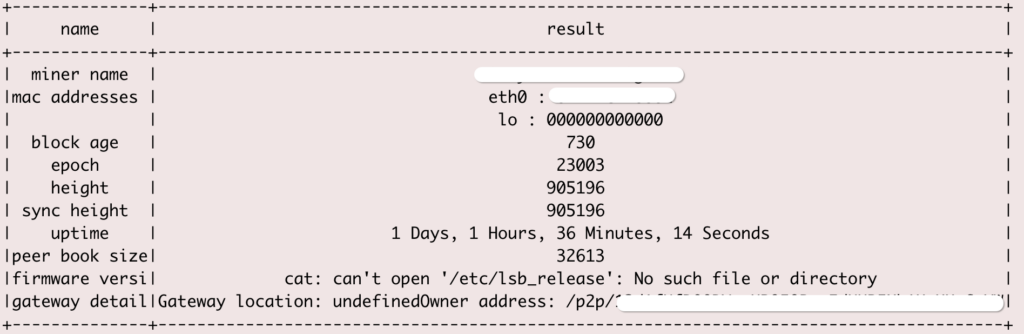
After you done above, if your Hotspot still showing offline and not syncing, try to contact with your Hotspot vendor to get support. Maybe one of the past Helium Firmware release caused chain db halt issue, in that case, the maker can help to rebuild your chain db.
If the vendor can’t solve the issue for you, then you should wait, it maybe an issue of the Helium Platform. While waiting for the status change, keep your miner online, finish the location assertion, place it in a good location with ANTENNA, be ready to accept the first PoC after it’s back online. If it shows red light for a long time, try to restart it.
As of now, Bobcat has no official distributors/suppliers. Anyone posing to be so is running a SCAM. DO NOT sell/buy miners to/from strangers. Customers have lost miners due to this.There is only 1 official website: https://www.bobcatminer.com.